FREE K-12 AI LITERACY COURSES FOR THE 26-27 SY! Learn more here.
Skill Struck Platform
Orbit
The Online IDE for Education
Orbit is a browser-based coding environment built for secondary classrooms. Create assignments, review submissions, and see exactly how students' work came together.
.png?width=2000&height=1383&name=Orbit%20Collage%20(2).png "Orbit Collage (2)")
The IDE Built for the Classroom
See how to create assignments, provide feedback, and view student progress with Orbit.
Everything You Need. In One Platform.
Create Custom Assignments
Teachers can assign individual or group projects with a shareable student link.
Easily Provide Feedback
Teachers can easily view their students' files and track progress on all work submitted with Orbit.
Sandbox Environment
Students can open a project file to create their own work outside of assignments. All work is auto-saved.
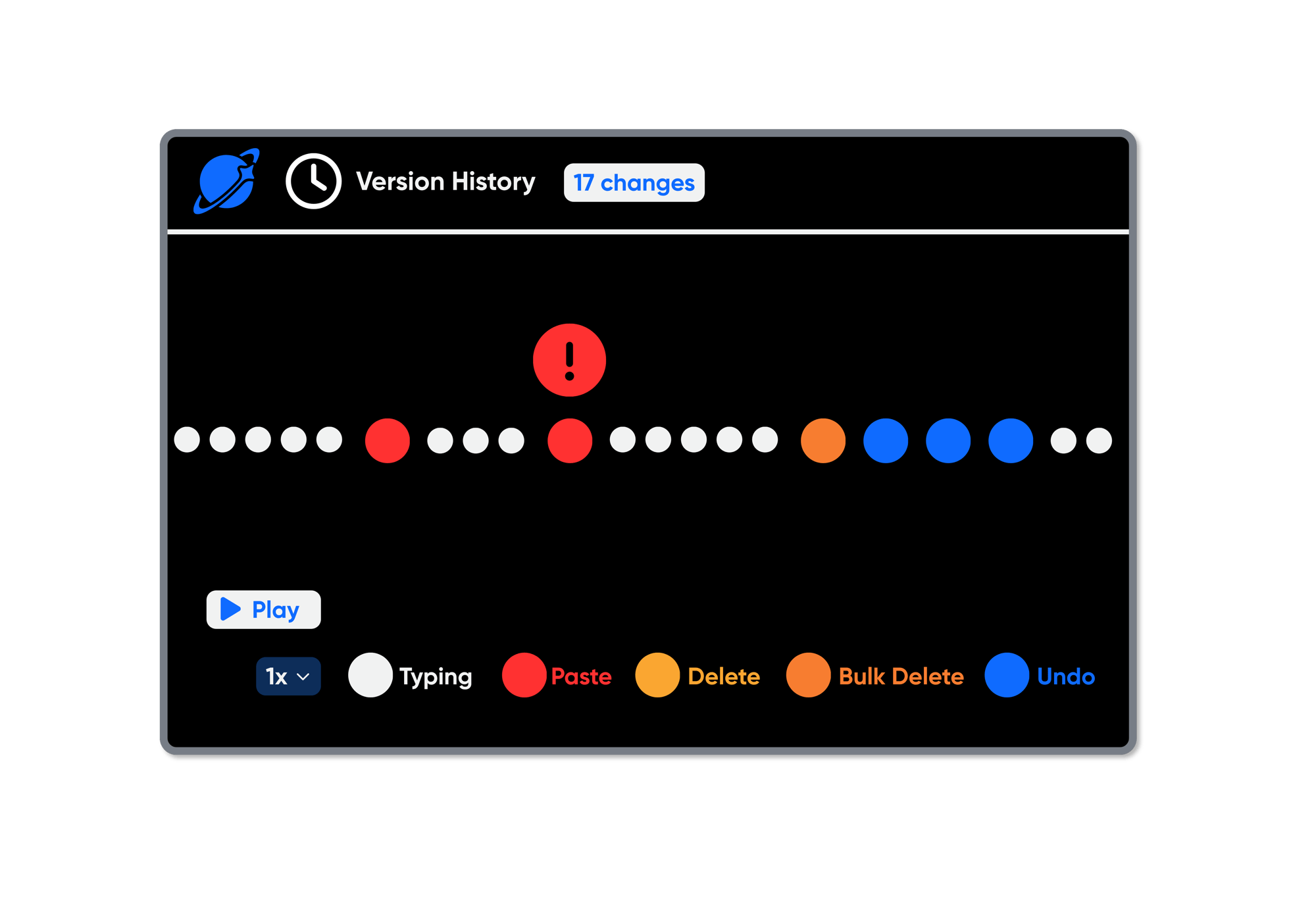
VERSION HISTORY
Know How the Work Got Done
View the full edit history of every file for every student. See exactly how work evolved and when large chunks appeared at once.
MULTI-LANGUAGE SUPPORT
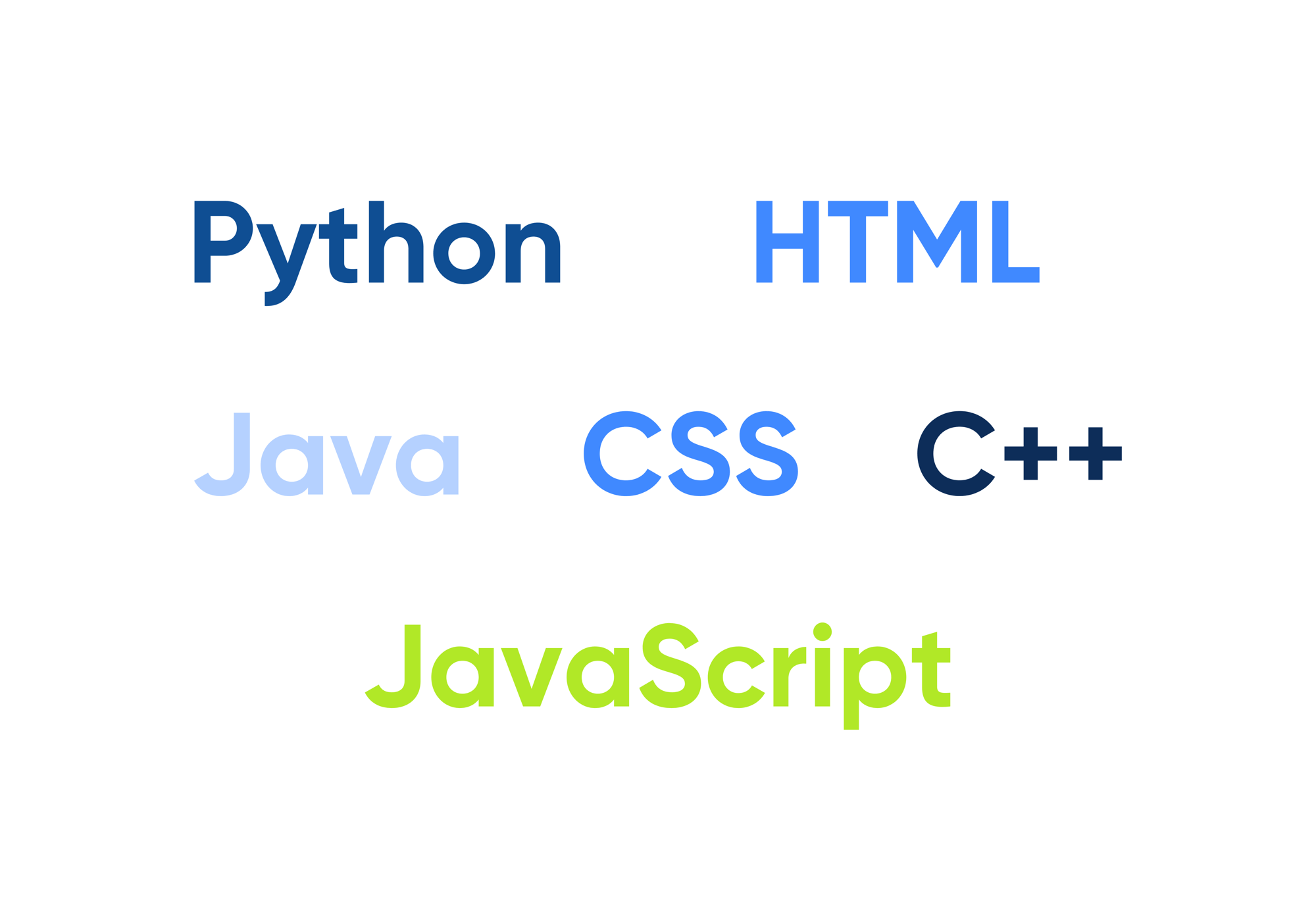
Choose From a Variety of Languages
Orbit works with the languages already in your curriculum, including:
-
Python
-
Java
-
C++
-
HTML
-
CSS
-
JavaScript
GROUP PROJECTS
Create and Assign Group Projects
Teachers can assign group projects with a shareable student link and let students collaborate in real time, just like Google Docs. Orbit's Version History makes it easy to see how each student contributed.
CANVAS INTEGRATION
Automatically Submit Grades in Canvas
Connect any Orbit assignment or group project to a Canvas assignment with grade passback. Grades submitted in Orbit automatically appear in Canvas. No need to enter grades twice.
LAUNCH INTO ORBIT
See Orbit In Action 🚀
We'd love to show you how Orbit could fit into your classroom.
Frequently Asked Questions (FAQs)
-
What is an Integrated Development Environment (IDE)?
An IDE (Integrated Development Environment) is the tool developers use to write, run, and test code. Orbit brings that professional-grade experience into the browser for K-12. Students can log in and start coding.
-
What are the key features of Orbit for teachers and students?
With Orbit, teachers can:
- Create assignments with starter code/templates already included
- Push assignment links to students (similar to sharing a Google Doc)
- View and review submitted student files and code
- Leave comments directly on student work
- Set due dates; option to accept or not accept late submissions
Students can:
- Receive an assignment link and make their own copy to complete
- Open the sandbox environment to create personal projects outside of assignments
- Work in a real, browser-based IDE with no software installation required
- Trust that their work is autosaved, so there's no need to manually save
- Track progress with version history, automatically logged with every save
- Build multi-file projects with multiple files in one project that import from each other (e.g., two Python files where one imports the other)
-
My school or district already uses Voyage. How does Orbit work with it?
Orbit is designed to complement Voyage, giving teachers more flexibility to expand and customize learning beyond the structured curriculum.
Voyage is a full curriculum platform with integrated lessons and learning activities. Orbit is a coding environment where teachers create and manage their own assignments; there's no built-in curriculum.
Schools can use both to support students' learning:
-
Voyage for structured CS courses
- Orbit for project-based or custom coding work
If your students are already rostered in Skill Struck through Voyage, getting them into Orbit is seamless. Students can access Orbit directly from their existing student dashboard.
-
-
How do students log in?
Students need an account to access assignments in Orbit and for teachers to track their work.
If your district already uses Skill Struck, students rostered through Clever or ClassLink can access Orbit immediately, either through their student dashboard or via an assignment link from their teacher.
If your school only has Orbit access, students can sign in with single sign-on at skillstruck.com.
-
Does Orbit autosave?
Yes. Orbit autosaves as students work, so no one loses progress. There's also a manual save button if students prefer that peace of mind.
-
Can students have multi-file projects?
Yes. Students can work with multiple files within a single project and import between them. For example, a main Python file that pulls functions from a helper file in the same project.
-
Can a student resubmit an assignment?
Yes, if the teacher unsubmits the assignment.
Students can't resubmit on their own; the teacher must first unsubmit the assignment on their end.
-
What does pricing look like?
Pricing for Orbit depends on your school or district's size and needs. Reach out to our team at skillstruck.com/get-demo and we'll walk you through the options.