FREE K-12 AI LITERACY COURSES FOR THE 26-27 SY! Learn more here.
Digital Literacy
This course covers essential digital literacy skills and professional development topics such as computer basics, online safety, digital citizenship, AI awareness, and real-world skills like Resume Building and Interviewing Basics.
 34 Lessons
- Course Summary
- Course Outline
- Standard Alignment
Students build essential digital literacy skills for navigating today's technology-driven world. This course covers a broad range of topics including computer parts, the internet, digital citizenship, online safety, AI awareness, computational thinking, and practical productivity skills like word processing, databases, and digital media, preparing grades 6 through 12 students to thrive in academic, professional, and personal digital environments.
-
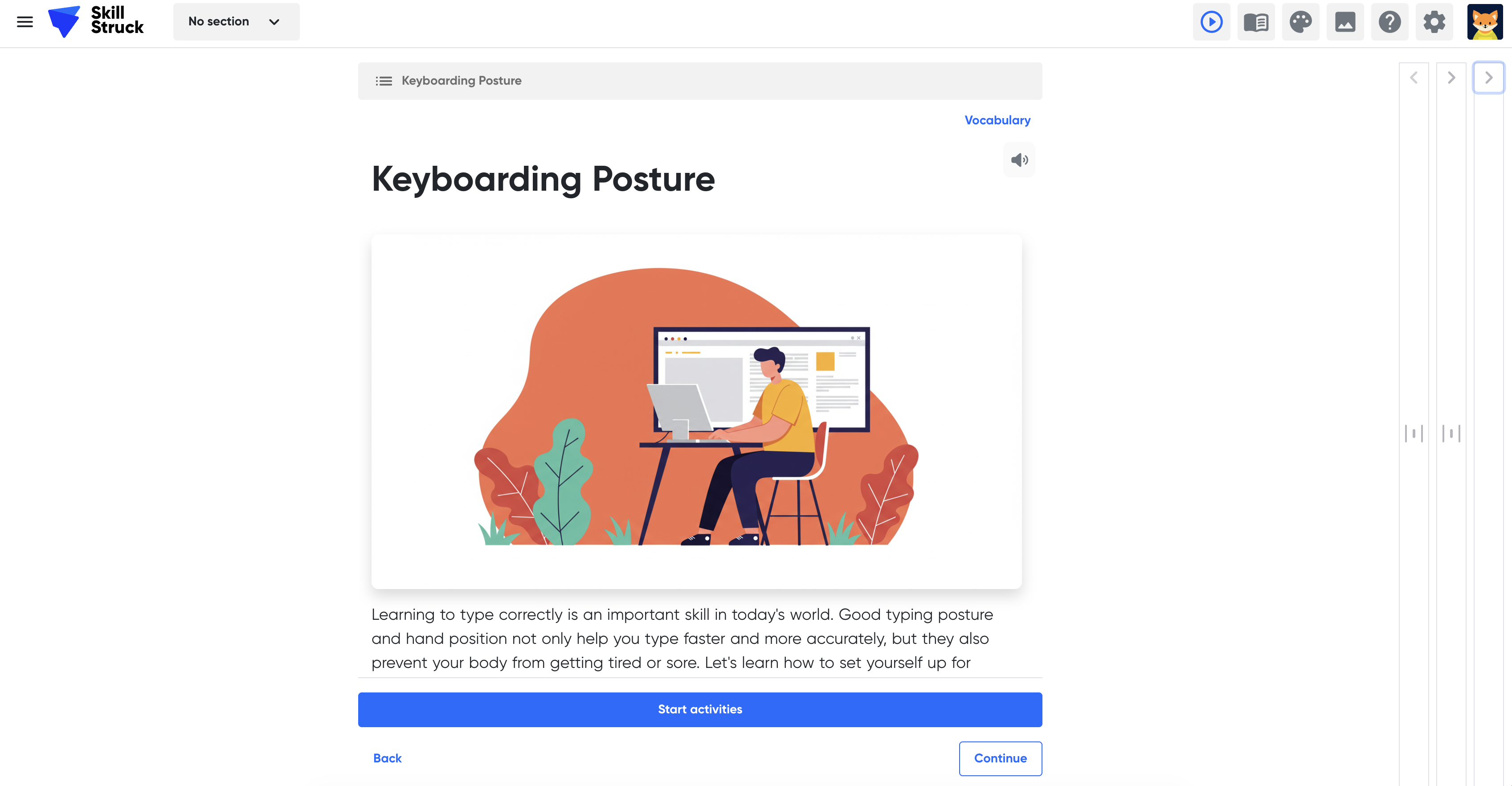
DL.1 Keyboarding Posture
Learning Outcomes:
Students will learn proper hand placement on the home row and correct body posture for typing. They will also practice touch typing by avoiding looking at the keyboard to build muscle memory.
Topics covered:
Keyboarding Posture
-
DL.2 Computer Parts
Learning Outcomes:
Students will discover the physical components that make up a computer and how they work together. They will also learn about the roles of key hardware components including the CPU, RAM, ROM, motherboard, power supply, storage devices, and input/output devices.
Topics covered:
Computer Parts
-
DL.3 Computer Parts: Inputs/Outputs
Learning Outcomes:
Students will learn to distinguish between input and output devices and understand how each is used to communicate with a computer. They will also explore peripheral devices and identify examples of devices that serve as both input and output.
Topics covered:
Computer Parts: Inputs/Outputs
-
DL.4 Operating Systems Software
Learning Outcomes:
Students will learn the difference between operating system software and application software. They will also explore major operating systems including Windows, macOS, Android, iOS, and Linux, and understand why different devices use different systems.
Topics covered:
Operating Systems Software
-
DL.5 Application Software
Learning Outcomes:
Students will learn to distinguish between operating system software and application software. They will also explore the five main categories of application software: business, communication, entertainment, multimedia, and education.
Topics covered:
Application Software
-
DL.6 Information Processing
Learning Outcomes:
Students will learn how computers process information through the input-processing-output cycle. They will also explore the role of the CPU, and discover how algorithms, loops, and conditionals guide computer processing.
Topics covered:
Information Processing
-
DL.7 Memory and Storage
Learning Outcomes:
Students will learn the difference between memory (RAM and ROM) and storage (HDD, SSD, flash drives, cloud storage). They will also understand how to evaluate memory and storage needs when choosing a computing device.
Topics covered:
Memory and Storage
-
DL.8 Components of the Internet
Learning Outcomes:
Students will learn what a network is and how the Internet connects billions of devices globally. They will also explore key concepts including bandwidth, URLs, IP addresses, browsers, search engines, and servers.
Topics covered:
Components of the Internet
-
DL.9 Connecting to the Internet
Learning Outcomes:
Students will learn how devices connect to the Internet through ISPs, modems, and routers. They will also explore different types of Internet connections including fiber optic, DSL, cellular, satellite, and Wi-Fi, and understand how bandwidth affects Internet speed.
Topics covered:
Connecting to the Internet
-
DL.10 Online Communication Tools
Learning Outcomes:
Students will explore the different ways people communicate digitally, including email, instant messaging, video conferencing, and social media. They will also learn about web authoring tools and how social networking is used to stay connected.
Topics covered:
Online Communication Tools
-
DL.11 Digital Resilience
Learning Outcomes:
Students will learn what digital resilience means and why it is important in a constantly changing technological landscape. They will also practice strategies for adapting to new tools, solving technology problems, and using technology responsibly.
Topics covered:
Digital Resilience
-
DL.12 Data Management
Learning Outcomes:
Students will learn how data is collected, organized, and used in the digital world. They will also develop skills to evaluate data sources critically, protect their personal data, and use data to make informed decisions.
Topics covered:
Data Management
-
DL.13 AI Awareness
Learning Outcomes:
Students will learn what Artificial Intelligence (AI) is and how machine learning and generative AI work. They will also explore how to use AI tools responsibly, write effective prompts, and recognize AI's role in everyday life.
Topics covered:
AI Awareness
-
DL.14 Computational Thinking
Learning Outcomes:
Students will learn the four steps of computational thinking: decomposition, pattern recognition, abstraction, and algorithm design. They will also apply these problem-solving skills to both technological and real-world challenges.
Topics covered:
Computational Thinking
-
DL.15 Website Navigation
Learning Outcomes:
Students will learn how to read and interpret the different parts of a URL. They will also identify common website navigation components including menus, home pages, search bars, graphics, and hyperlinks.
Topics covered:
Website Navigation
-
DL.16 Search Engine Skills
Learning Outcomes:
Students will learn how to search the Internet efficiently using keywords and quotation marks. They will also develop skills to evaluate the credibility of online content by examining the author, date, source, domain, design, and writing style.
Topics covered:
Search Engine Skills
-
DL.17 Email
Learning Outcomes:
Students will learn about the key parts of an email including subject lines, CC, BCC, attachments, inline images, and signature blocks. They will also practice using reply, reply all, and forward functions, and understand how to organize their inbox.
Topics covered:
Email
-
DL.18 Digital Citizenship
Learning Outcomes:
Students will learn what it means to be a responsible digital citizen, including understanding their digital footprint and its lasting impact. They will also practice netiquette and explore their personal responsibilities for ethical online behavior.
Topics covered:
Digital Citizenship
-
DL.19 Online Safety
Learning Outcomes:
Students will learn strategies to protect their personal safety online, including how to recognize and respond to online predators. They will also explore digital security threats such as malware, phishing, scams, identity theft, and the risks of public Wi-Fi.
Topics covered:
Online Safety
-
DL.20 Digital Threats
Learning Outcomes:
Students will learn to identify various types of digital threats including malware, adware, computer worms, Trojan horses, spyware, ransomware, and Denial of Service attacks. They will also understand what hackers are and how these threats can harm devices and personal information.
Topics covered:
Digital Threats
-
DL.21 Online Privacy
Learning Outcomes:
Students will learn how to protect their online privacy and secure their digital devices using tools like antivirus software, strong passwords, two-factor authentication, firewalls, and HTTPS. They will also explore common threats to online transactions and communications, including phishing, catfishing, and spoofing.
Topics covered:
Online Privacy
-
DL.22 Copyright
Learning Outcomes:
Students will learn about intellectual property and how creative works are protected through copyrights, patents, trademarks, trade secrets, Creative Commons licenses, and the public domain. They will also understand the ethical responsibilities of digital citizens regarding plagiarism, copyright infringement, and proper use of others' work.
Topics covered:
Copyright
-
DL.23 Digital Wellness
Learning Outcomes:
Students will learn what digital wellness means and why it is important for their mental and physical health. They will also explore practical strategies to develop healthier technology habits, including monitoring device use, setting boundaries, adjusting device settings, and practicing single-tasking.
Topics covered:
Digital Wellness
-
DL.24 Cyberbullying
Learning Outcomes:
Students will learn what cyberbullying is and how it differs from in-person bullying. They will also explore strategies for dealing with and reporting cyberbullying, and understand the serious consequences it has for both victims and perpetrators.
Topics covered:
Cyberbullying
-
DL.25 Software Navigation
Learning Outcomes:
Students will learn to identify and use key elements of a computer user interface, including icons, menus, tabs, toolbars, and windows. They will also master primary keyboard shortcuts for cut, copy, paste, undo, redo, save, print, and find.
Topics covered:
Software Navigation
-
DL.26 Computer File Navigation
Learning Outcomes:
Students will learn the difference between the Save and Save As commands and when to use each. They will also develop file management skills including creating, organizing, renaming, duplicating, and locating files and folders on a digital device.
Topics covered:
Computer File Navigation
-
DL.27 Word Processing
Learning Outcomes:
Students will learn how to perform basic word processing tasks including opening, saving, and printing documents. They will also practice essential page layout and text formatting skills such as page orientation, margins, alignment, font styles, and text emphasis.
Topics covered:
Word Processing
-
DL.28 Word Processing: Tables and Images
Learning Outcomes:
Students will learn how to insert and format tables in a document, including adding and deleting rows/columns, merging and splitting cells, and applying borders and shading. They will also practice inserting and formatting images using text wrap and resizing tools, and learn how to perform a spelling and grammar check.
Topics covered:
Word Processing: Tables and Images
-
DL.29 Intro to Databases
Learning Outcomes:
Students will learn the basic components of a database, including fields, records, tables, and queries. They will also explore real-world applications of databases across industries such as healthcare, education, banking, and online shopping.
Topics covered:
Intro to Databases
-
DL.30 Calendars
Learning Outcomes:
Students will learn how to create and manage events in a digital calendar, including setting up individual and recurring events. They will also practice using calendar features such as location, time zone, notes, and invitations to stay organized and coordinate with others.
Topics covered:
Calendars
-
DL.31 Digital Media
Learning Outcomes:
Students will learn the difference between streaming and downloading digital media. They will also explore basic editing functions for audio, images, and video, and become familiar with common digital file types including .jpeg, .png, .pdf, and .gif.
Topics covered:
Digital Media
-
DL.32 Dress for Success
Learning Outcomes:
Students will learn the differences between the three levels of professional dress: Business Formal, Business Professional, and Business Casual. They will also understand how dressing appropriately for different professional settings can impact first impressions and career opportunities.
Topics covered:
Dress for Success
-
DL.33 Resume Building
Learning Outcomes:
Students will learn the key components of a professional resume and the correct order in which to present them. They will also discover best practices for formatting, writing, and maintaining an up-to-date resume.
Topics covered:
Resume Building
-
DL.34 Interviewing Basics
Learning Outcomes:
Students will learn the fundamental skills and strategies needed to succeed in a job interview, including preparation, professional body language, and researching employers. They will also practice responding to common interview questions and understand what attributes employers look for in candidates.
Topics covered:
Interviewing Basics
Download the 2022 Skill Struck Standards Alignment + Correlation Guide to view a general list of our standard alignments, or find your state's specific alignment below:
-
 34 Student Activities
  Autograder
 English and Spanish
Skill Struck Reviews

Having a mapped out, structured way to learn and experience the Computer Science curriculum really freed up time for me to give students one-on-one attention. It also gave me more opportunities to give the students additional programming assignments to help them understand the concepts better.
Scott Couch
CS Teacher, Maeser Prep Academy
The program and the people behind it are innovative, intelligent, and organized. The platform is very user-friendly and l have been able to guide my students easily through the curriculum.
Dillon Gilpin
High School CS Teacher, Duchesne County School District
All of the content is fun and engaging for our students! Regarding the support and partnership, they are always on top of everything. Small issues are resolved quickly, and that is not typical with other EdTech companies.
Donna Woods
CTE Cyber Pathway Instructor, Moreno Valley United School District